16 tools in one place
Capture, edit, and work with what’s on your screen.

16 VISUAL TOOLS. ONE EXTENSION.
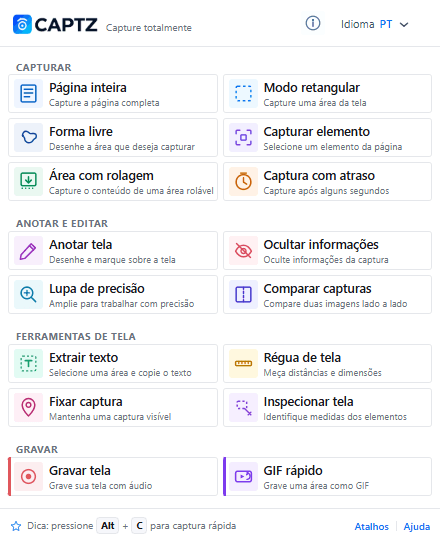
Capture full pages, highlight what matters, protect information, extract text, and record your screen — with 16 tools right in your browser.
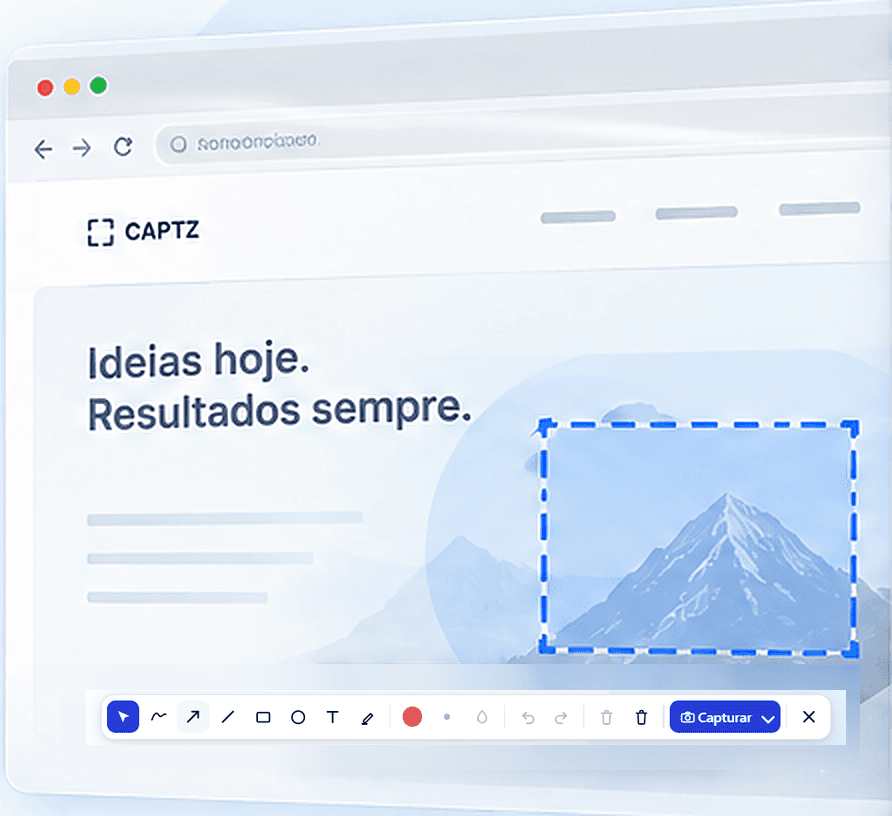
Capture, edit, and work with what’s on your screen.
Your captures stay on your device.
Work with what’s on screen without switching apps.
Students, professionals, creators, and teams.
FROM CLICK TO OUTCOME
16 tools to capture, protect, extract, explain, and show what you need — without complicating your workflow.
Capture complete pages in one go, with no stitching.
Save the content of scrollable areas, even when it doesn't fit on screen.
Protect data and details that shouldn't appear before you share.
Select an area of the screen and turn the text in the image into content you can copy.
Show a process, explain a task, or record what happens on screen.
Select an exact area and copy it immediately.
Draw the region you want to copy.
Visually choose an element on the page.
Prepare the screen and capture after 3, 5, or 10 seconds.
Draw, highlight, and write before capturing.
Magnify details under the pointer precisely.
View two captures side by side.
Measure distances directly on the page.
Keep a visual reference over the page.
Check the dimensions of page elements.
Create short demonstrations as GIFs.
SOLUTIONS FOR YOUR EVERYDAY WORK
When a regular screenshot isn't enough, CAPTZ helps you show exactly what you need.
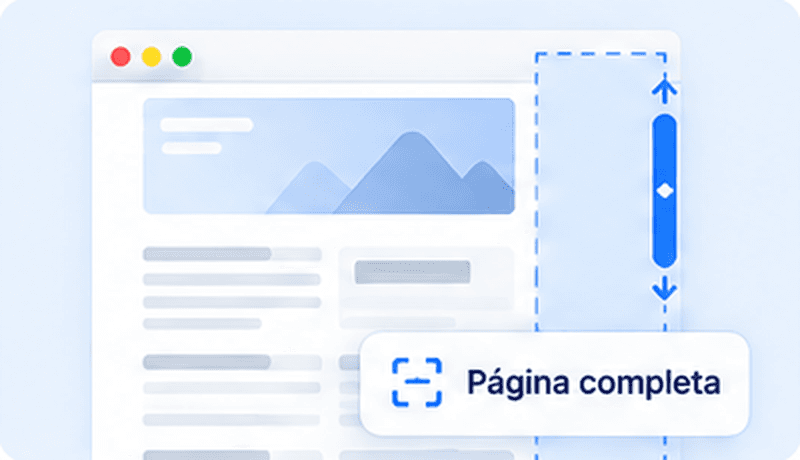
Save everything at once, without taking multiple captures or stitching images later.
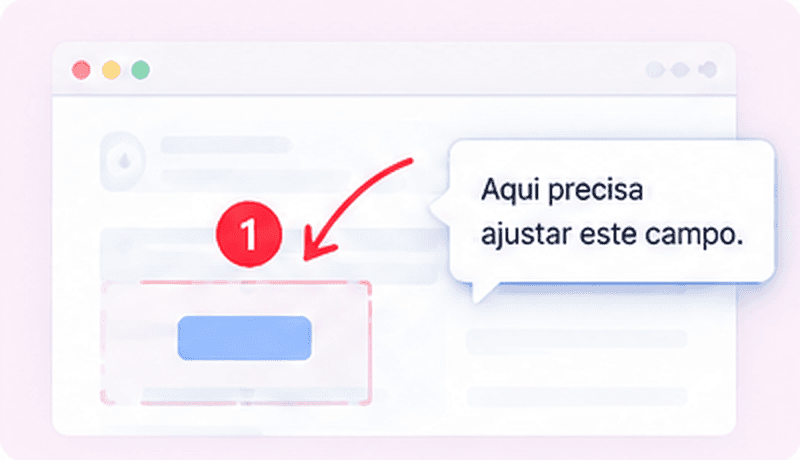
Show exactly where the problem is or what needs attention with annotated captures, arrows and highlights.
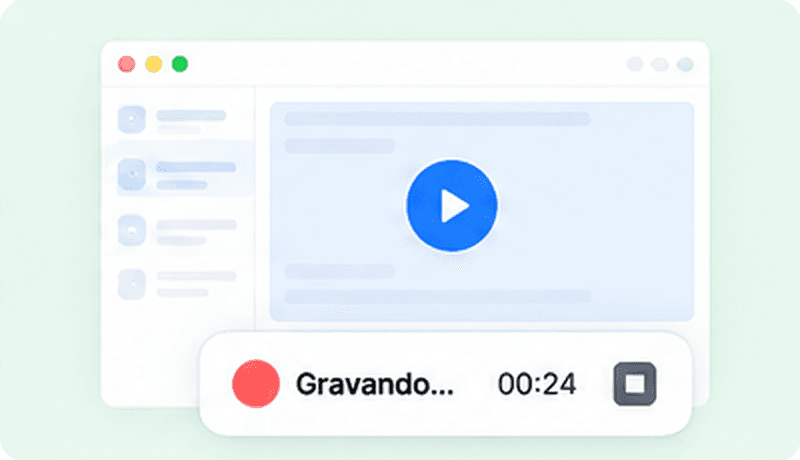
Show the steps on video instead of writing a long explanation. Ideal for training, tutorials and support.
16 TOOLS. FOUR CATEGORIES.
Capture, highlight, explain, and share what's on screen — simply and quickly.
 CAPTZ
CAPTZCapture
Annotate and edit
Screen tools
Record
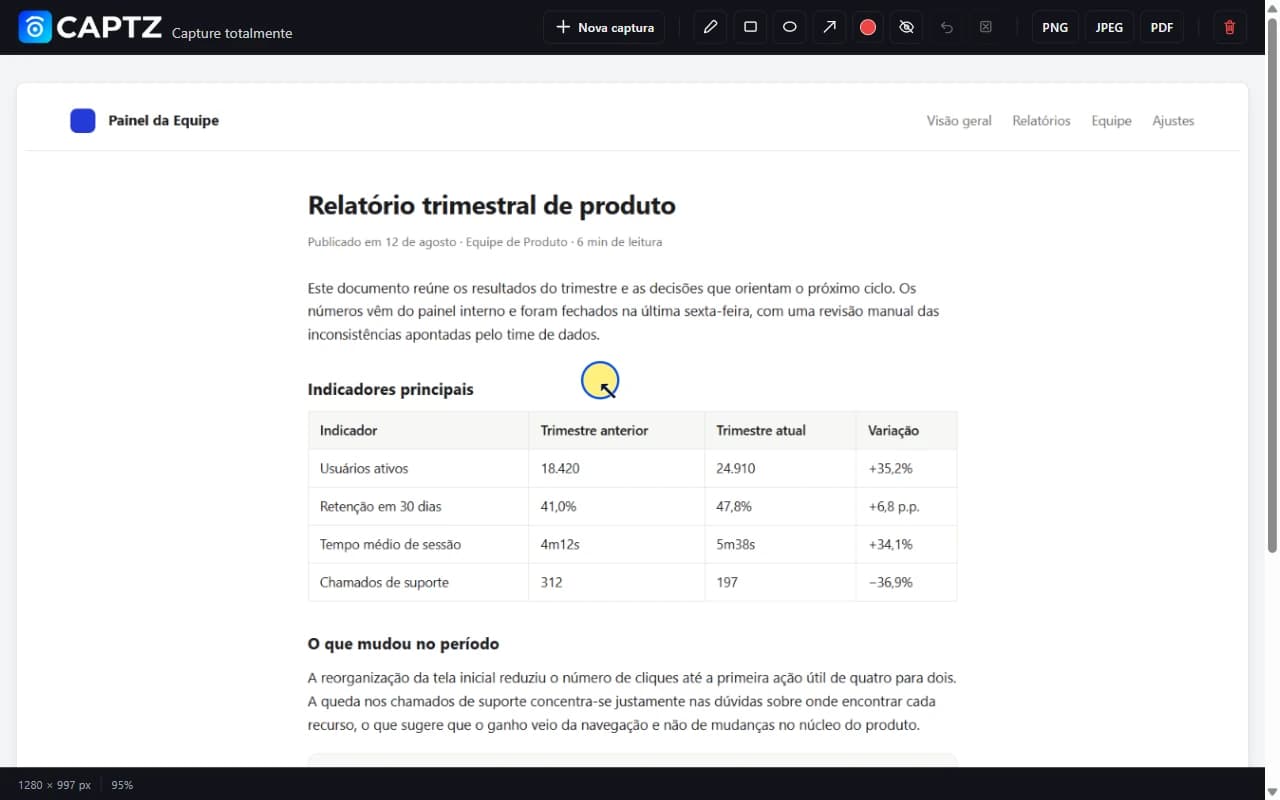
BEFORE YOU START
Text is recognized directly on your device.
Choose microphone, system audio, or both when available.
Search tools and explanations without leaving CAPTZ.
Compatible with the browsers supported at launch.
RIGHT IN YOUR BROWSER
16 tools to capture, explain, and share what's on screen.