Full page
Capture all page content, even beyond the viewport.

16
Capture, annotate, measure, inspect, and record directly in your browser.
● Captures, videos, GIFs, and OCR continue to be processed locally.
Capture
Capture all page content, even beyond the viewport.
Select an exact area and copy it immediately.
Draw the region you want to copy.
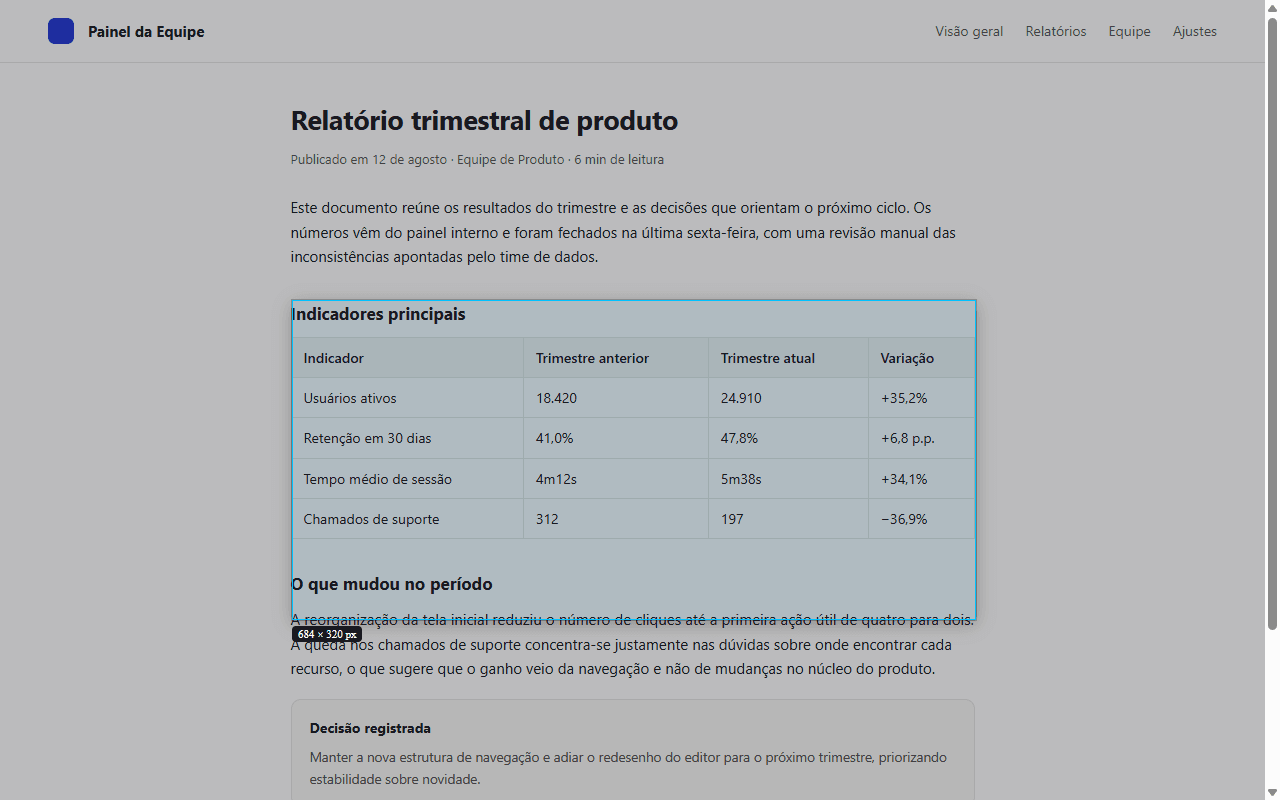
Visually choose an element on the page.
Capture all content inside a scrollable panel.
Prepare the screen and capture after 3, 5, or 10 seconds.
Annotate and edit
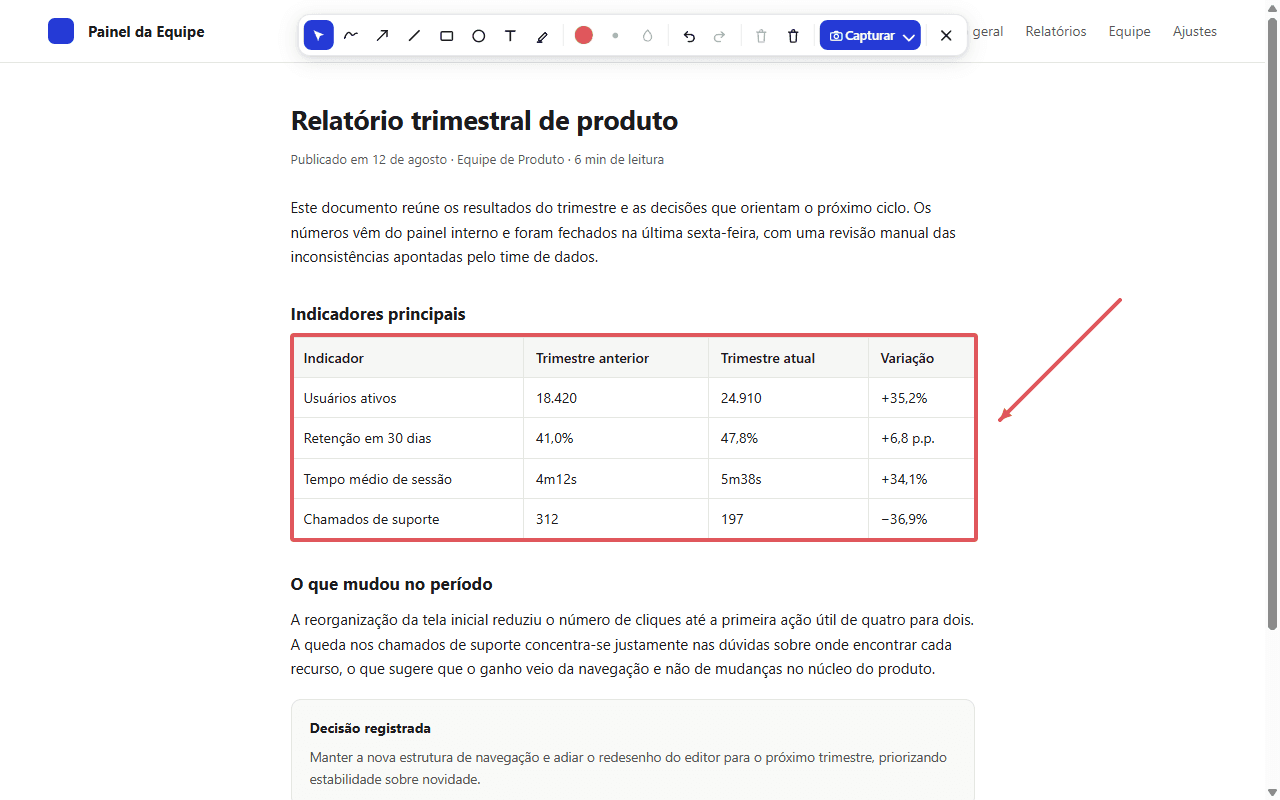
Draw, highlight, and write before capturing.
Pixelate sensitive details before sharing.
Magnify details under the pointer precisely.
View two captures side by side.
Screen tools
Recognize text from an area with local OCR.
Measure distances directly on the page.
Keep a visual reference over the page.
Check the dimensions of page elements.
Record
Record a tab, window, or screen with optional audio.
Create short demonstrations as GIFs.