
How to use
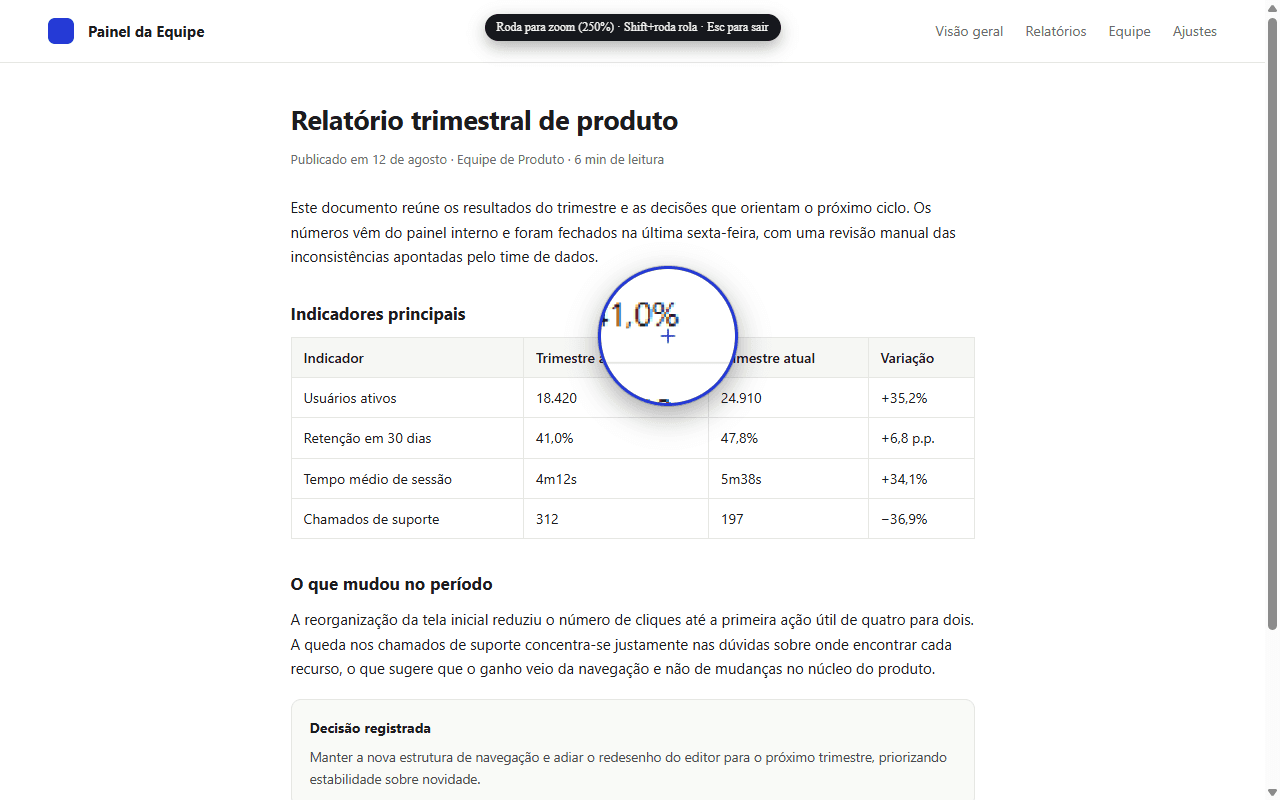
On the page you want to work with, open CAPTZ from the extension icon and choose “Precision magnifier”.
- Move the pointer over the detail you want to enlarge.
- Turn the mouse wheel to adjust the magnifier’s zoom.
- Press Esc when you have finished inspecting.
Tip: Shift + mouse wheel scrolls the page while the magnifier is active.
● Captures, videos, GIFs, and OCR continue to be processed locally.