
How to use
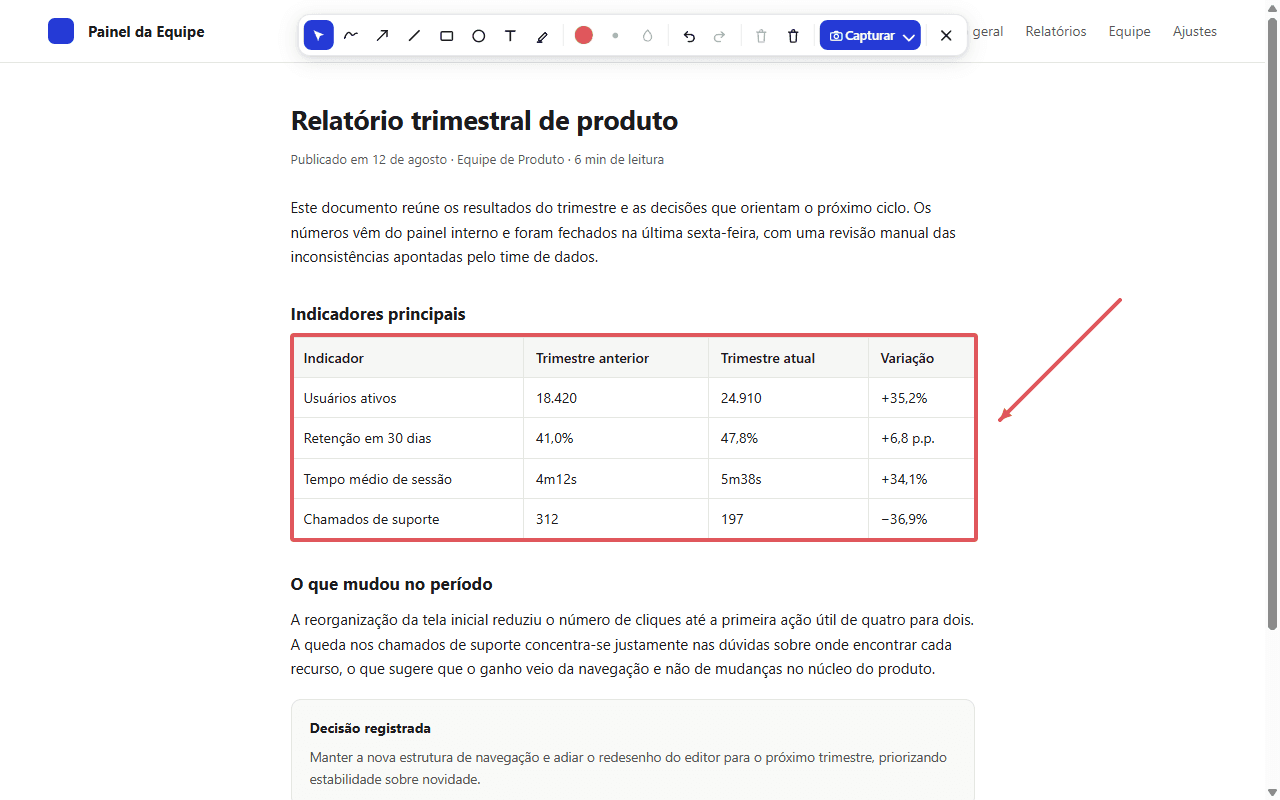
On the page you want to work with, open CAPTZ from the extension icon and choose “Annotate screen”.
- Choose a tool from the floating toolbar, such as drawing, arrow, text, or highlighter.
- Add your marks to the page and adjust colors and stroke width as needed.
- Click the capture button on the toolbar to review the annotated image in Preview.
Tip: Use undo and redo to correct your marks before capturing.
● Captures, videos, GIFs, and OCR continue to be processed locally.